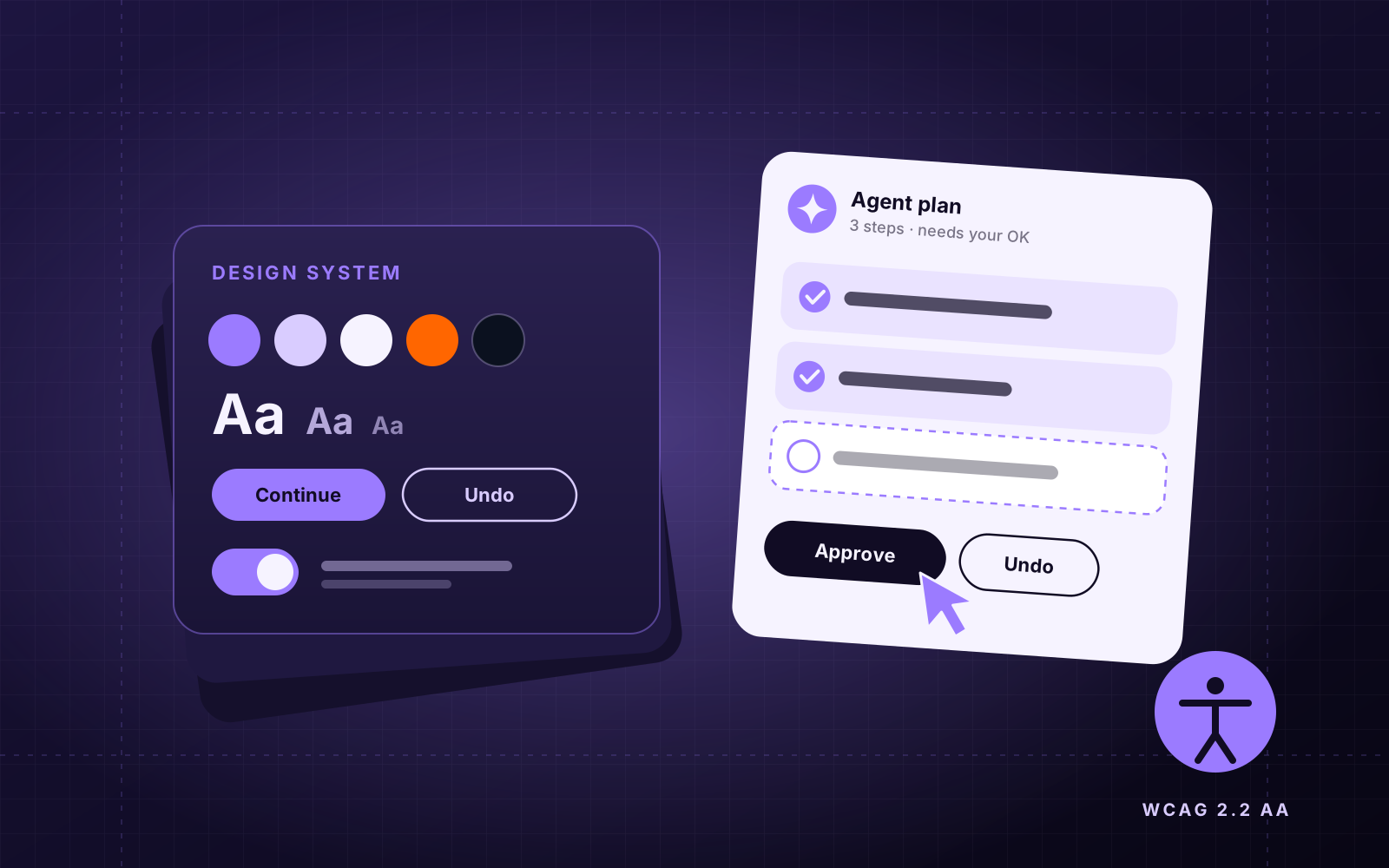
- Users increasingly say what they want and let software work out the steps.
- AI agents that act for people need visible plans, clear permissions and an easy undo.
- Your design system is now the brief your AI tools build from. Its quality sets theirs.
- Accessibility is a legal requirement in more markets, and speed is part of the experience.
From clicks to intent
For decades, using software meant telling it each step: click here, fill this, press save. Nielsen Norman Group calls the current shift the first new interface paradigm in about sixty years. Users now state the outcome they want, and the software figures out the steps.
That does not remove the interface. It changes its job. Screens now need to help people express what they want, show what the system understood, and let them adjust the result, rather than walking them through every field.
Designing for agents that act on your behalf
Gartner expects 40% of enterprise applications to include task-specific AI agents, up from under 5% only a year before. An agent that books, buys, files or edits on someone's behalf needs design patterns that normal screens never had to think about.
- Show the plan before acting. "I will do these three things" builds far more trust than a spinner.
- Ask at the right moments. Confirm anything that spends money, sends messages or deletes data. Do not ask about everything.
- Make progress visible. Long tasks need a status people can glance at and come back to.
- Always offer undo. Reversibility is what lets people hand over control.
People will trust an agent with a task in exactly the way they would trust a new colleague: once it has shown its work.
Your design system is now an AI brief
Teams increasingly generate screens and code with AI tools, and those tools read whatever design system you give them. Design tokens, well-named components and written usage rules become the instructions the AI follows. A messy system produces messy output, faster.
- Name tokens by purpose (surface-raised, text-muted), not by colour.
- Write the when and why for each component, not just the how.
- Keep the design file and the code components in sync, so there is one source of truth.
Accessible by law, not just by choice
The European Accessibility Act is now enforced across all 27 EU member states, and it applies to any business selling online to EU customers, wherever it is based. The practical benchmark is WCAG 2.2 at level AA. Enforcement has already started, with legal notices sent to major retailers.
For everyone else it is simply good design. Clear contrast, full keyboard use, visible focus, proper labels and text that survives zooming help every user, including the one reading on a phone in bright sunlight.
Speed is part of the design
Google measures how quickly a page responds to taps and clicks with Interaction to Next Paint (INP), and a good score is under 200 milliseconds. It is now the Core Web Vital that sites fail most often. A beautiful interface that stutters on a mid-range phone feels broken.
- Design skeleton states and instant feedback for every action.
- Budget animation. Motion should explain a change, not decorate a delay.
- Test designs on a real mid-range Android phone, not just a new laptop.
Where to start
Pick one flow in your product where users repeat the same steps and ask what it would look like if they could simply state the outcome. Audit your design system for naming and documentation. Run an accessibility and INP check on your top three pages. Designers are not being replaced here. They are becoming the people who decide how much control to hand over, and how to make that feel safe.
Questions people ask
Will AI replace UI/UX designers?
AI speeds up layouts, variations and handoff. The judgement about what to build, what to automate and how to keep people in control still needs designers.
Does the European Accessibility Act apply to Indian companies?
It applies if you sell covered products or services, including e-commerce, to consumers in the EU, regardless of where your company is based.
What is a good INP score?
Under 200 milliseconds for most interactions is good. Between 200 and 500 needs improvement, and above 500 is poor.

 AIThe Build Brief
 GUIDEThe Build Brief
 SEO
SEO